
Arrivify
See how it worksBook a demo

An AI front desk for physical therapy clinics.

See how patients can check themselves in at a lobby kiosk and get help from a receptionist on the same screen. Explore the walkthrough or talk to us about a pilot for your clinics.

Book a demo
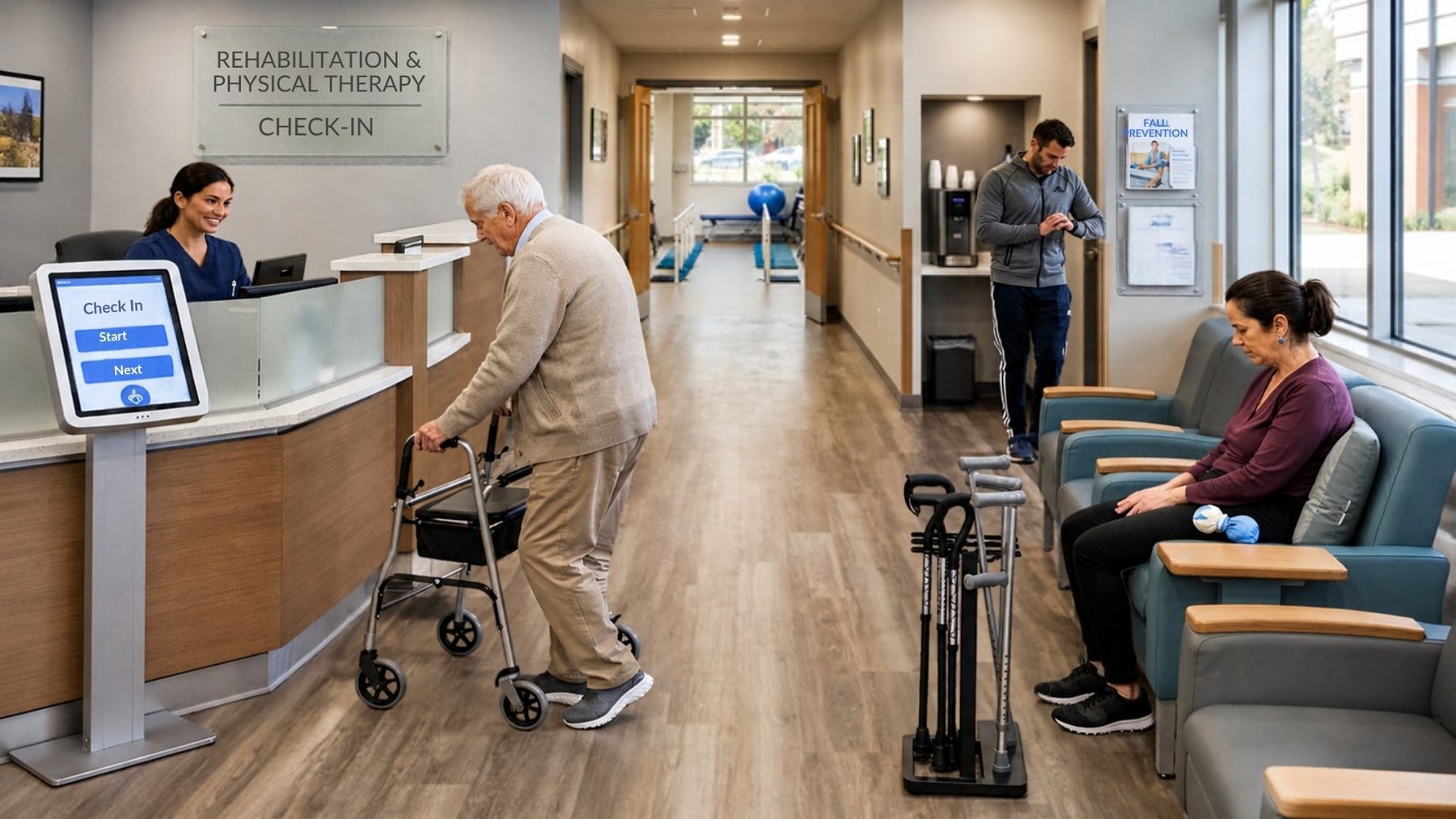
A physical therapy clinic lobby with a patient using a walker, a front counter, and waiting chairs
Cascade Motion Physical Therapy
South Hill clinic · Thursday, November 19
AI receptionist, a digital person
AI receptionist
Ready
CC
Hi there. Tap Check in when you are ready, or tap Talk to a person anytime.

Welcome in.

Tap Check in to let your therapist know you are here. It takes under a minute.

Cascade Motion Physical Therapy
South Hill clinic · Thursday, November 19
AI receptionist, a digital person
AI receptionist
Waiting for you
CC
Enter the code from your reminder. I will not say it out loud.
STEP 1 OF 3

Enter your appointment code

The 6-digit code from your reminder text or card.

●
●
●
●
Typed privately on screen. Never read aloud.
Cascade Motion Physical Therapy
South Hill clinic · Thursday, November 19
AI receptionist, a digital person
AI receptionist
Speaking
CC
You are all set. Please have a seat.

You are checked in.

Please take a seat. Jordan will come get you from the waiting area.
Screen resets in 12s
Cascade Motion Physical Therapy
South Hill clinic · Thursday, November 19
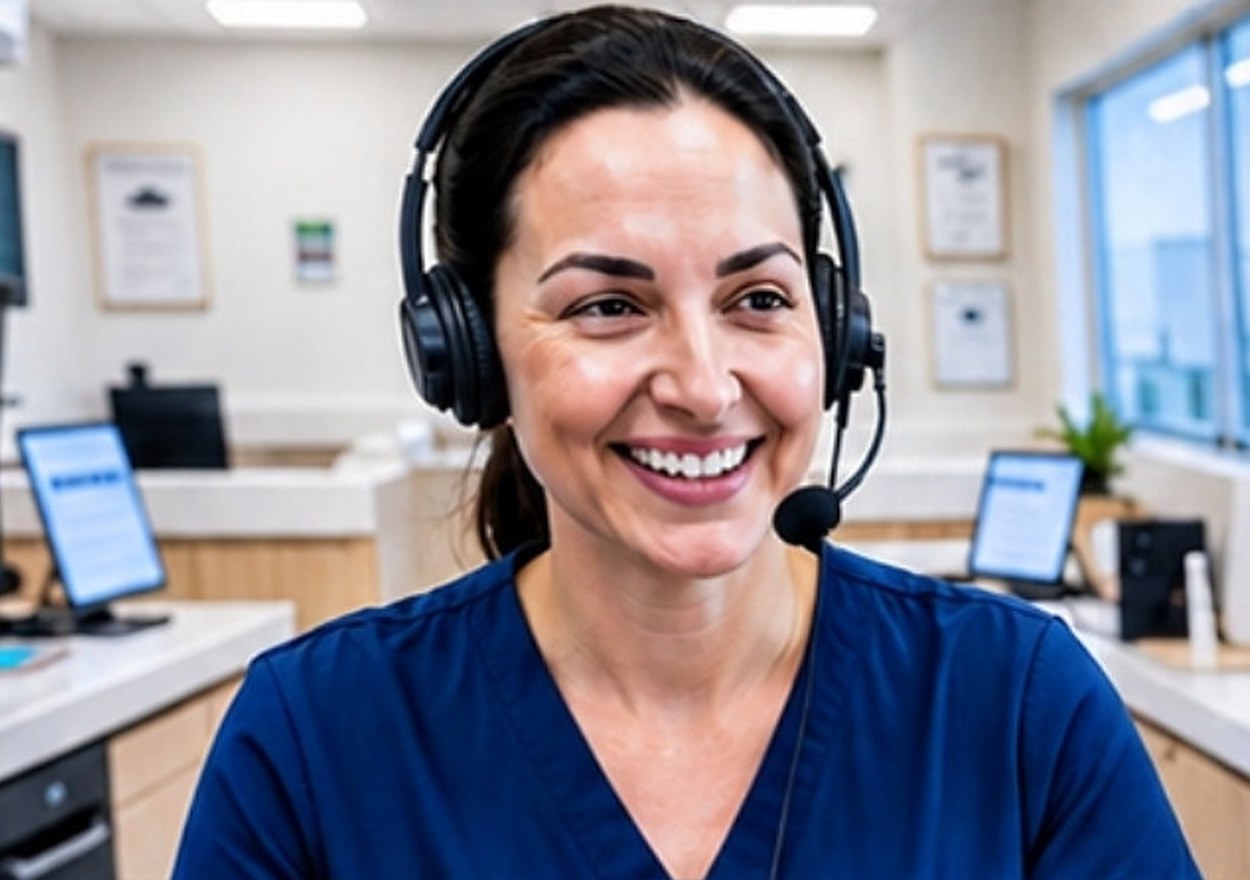
Renee, live receptionist, on video
Live receptionist
Renee M. · Cascade Motion front desk, remote
Your camera is off
CC
Renee: Hi, I am Renee at the front desk. I can see you are checking in at South Hill. Let me take a look.
LIVE WITH RENEE

Renee can see your check-in. You do not need to start over.

Renee sees only this visit and the steps you finished. Spoken details stay between you and the receptionist, through the screen speaker at low volume.
Sample patient journeyDolores walks into the South Hill lobby.
Try sample check-in

What happens when a patient walks in

Cascade Motion Physical Therapy
South Hill clinic · Thursday, November 19
AI receptionist, a digital person
AI receptionist
Speaking
CC
You are all set. Please have a seat.

You are checked in.

Please take a seat. Jordan will come get you from the waiting area.
Screen resets in 12s
South Hill kiosk at 7:53 AM. Fictional clinic and patients.
  1. Dolores checks in on her own.

    Code and date of birth go in privately by touch. The AI receptionist confirms her 8:00 follow-up with Jordan and tells her where to sit. About 45 seconds, start to finish.

  2. Jordan sees she has arrived.

    The arrival lands in the clinic view right away. In EHR-connected mode it confirms on the schedule once the EHR acknowledges it.

    8:00Dolores W. · J. ReyesArrived 7:52
    8:15Luis P. · A. ChoArrived 7:46
    8:45Priya N. · J. ReyesExpected
  3. Ana's code fails. Renee steps in.

    Ana's code does not match a visit at South Hill. Renee, a remote receptionist, accepts the handoff and appears on the same screen with the verified steps already in front of her.

    Open Renee's workspace

Every lobby in one view.

Track arrivals, open exceptions, live coverage, and kiosk health for each location. Plan daily roster uploads or ask about a verified connector for your EHR.

Thursday, November 19 · 7:52 AM

All locations

Sample data · fictional clinics
ARRIVALS TODAY
23 of 81 expected
OPEN EXCEPTIONS
3
Longest wait 1:04 · Riverside
LIVE COVERAGE
On
2 receptionists · until 6:00 PM
KIOSK HEALTH
3 of 4 fully online
Riverside camera fault
Locations
Updated live
ClinicModeArrivalsOpen exceptionsTo reconcile in EHRKiosksLive help
NorthgateEHR-connected9 of 301Not needed2 onlineLive · Kenji
South HillRoster8 of 2715 open tasks1 onlineLive · Renee
RiversideRoster6 of 2414 open tasksCamera faultLive · Kenji
Arrivals by half hour
Self check-inWith live help
7:00
7:30
8:00
8:30
9:00
9:30
Open exceptions
Open receptionist view
1:04
Riverside
Insurance question outside script
Waiting
0:38
South Hill
No appointment match
Renee accepting
0:12
Northgate
Asked for a person · Español
Waiting

From lobby survey to your first check-ins.

An example rollout for one clinic. Your actual plan is set in the quote.

  1. Week 1
    Lobby survey
    We measure the space, check power and network, and pick a floor or counter kiosk that seated and standing patients can reach.
  2. Week 2
    Install and test
    The kiosk ships configured. We mount it, connect it, and run test check-ins with your front desk.
  3. Week 3
    Your words, approved
    Arrival instructions, approved answers, Spanish copy, and fallback steps are written with your team and signed off.
  4. Week 4
    Review before go-live
    Review your check-in workflow, handoff coverage, and fallback steps before approving patient use.
  5. After
    Monitor your clinics
    Track kiosk health and open exceptions from your dashboard.

Plan how it would fit your morning schedule.

Book a demo30 minutes with a product specialist